How to Clean Stove Knobs and Control Panels Without Damaging the Markings


To clean stove knobs and a control panel safely, turn the appliance off, let it cool and follow the range manual before removing any part. Apply a compatible cleaner to a soft cloth—not directly into buttons, knob shafts or display seams—then wipe gently and dry promptly. Clean removable knobs separately only when the manual says they can come off.
Printed temperature labels, touch controls and ignition components are less forgiving than a plain enamel panel. The goal is to lift cooking grease without soaking openings or abrading the markings that tell you which burner is which.
Quick Answer
• Turn every burner and oven control off and let the range cool completely.
• Check the model manual before pulling off knobs or locking a touch panel.
• Photograph knob positions and labels before disassembly when removal is allowed.
• Put cleaner on a soft cloth near controls; never flood the panel or knob shafts.
• Use a dampened cotton swab only on accessible exterior creases, not inside openings.
• Dry every part fully and reinstall knobs in their correct positions before use.
Why Stove Controls Need a Different Cleaning Method
Cooking oil becomes airborne and settles around knob rims, bezels, button edges and the lip below the display. Dust and flour stick to that film, creating a dark ring that smears when wiped with a greasy cloth.
The vulnerable parts are close together. Printed or painted icons can fade under abrasives. Liquid can enter a knob shaft, touchpad edge, ignition switch or display seam. Removable plastic knobs can crack, warp or lose their markings if soaked or exposed to unsuitable cleaner.
Whirlpool’s range control-knob and panel guidance advises against abrasive cleaners, steel wool and oven cleaner and warns not to soak knobs. The exact manual for your make and model remains the authority.
Identify the Control Type Before Cleaning
Removable knobs: Many slide off a stem, but some use clips, set screws or model-specific parts. Do not force a knob that does not release as the manual describes.
Fixed knobs or rotary selectors: Clean around the exterior without pulling or twisting beyond the normal operating range.
Push buttons and membrane panels: Moisture can collect at button edges. Use very little liquid and avoid pressing controls repeatedly during cleaning.
Glass touch panels: These show streaks and fingerprints, but a glass appearance does not mean ordinary window cleaner is approved. Use the appliance maker’s specified method.
Printed enamel or coated metal panels: The labels may sit on top of the finish. Abrasive pads and repeated hard rubbing can erase them before the surrounding enamel looks damaged.
Step-by-Step: Clean Stove Knobs and the Control Panel

1. Shut down and cool the range. Turn every control off. Follow the manual for power disconnection or control-lock steps, especially on touch models.
1. Read the model-specific instructions. Confirm whether knobs are removable, whether they may be hand-washed and which cleaners are prohibited. Do not assume dishwasher safety.
1. Document the layout. Photograph the knob positions, burner assignments and any separate caps or bezels. This prevents a clean part from being reinstalled on the wrong stem.
1. Remove dry crumbs and dust. Use a dry microfiber cloth or soft brush around the panel lip. Keep debris from falling into shafts, ignition points or ventilation openings.
1. Clean removable knobs separately when allowed. Pull them off exactly as the manual directs. Wipe or hand-clean with the approved method; do not soak them, scrape their markings or leave moisture inside the stem opening.
1. Apply cleaner to the cloth. Lightly dampen a clean soft cloth with a compatible product. The cloth should pick up grease without dripping when pressed.
1. Wipe the panel in small sections. Work around, not into, control openings. Turn the cloth as grease transfers so the same oily face does not smear the full panel.
1. Detail exterior creases carefully. Fold the cloth over a fingertip or use a barely damp cotton swab on accessible trim lines. Do not insert it into a shaft, switch, vent or display seam.
1. Make any required follow-wipe. Use a clean lightly damp cloth if the product or manual requires residue removal. Keep the pass controlled around labels and edges.
1. Dry and reassemble. Dry the panel and every knob, including the stem recess. Reinstall parts in the photographed positions and verify that every control is off before restoring normal use.
Where Eco Cln Shine-It Fits
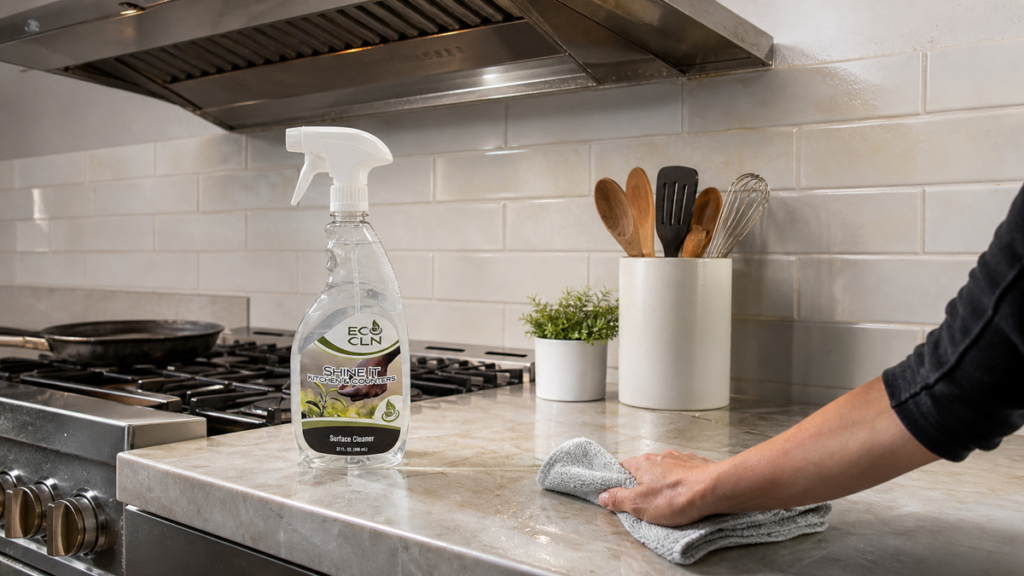
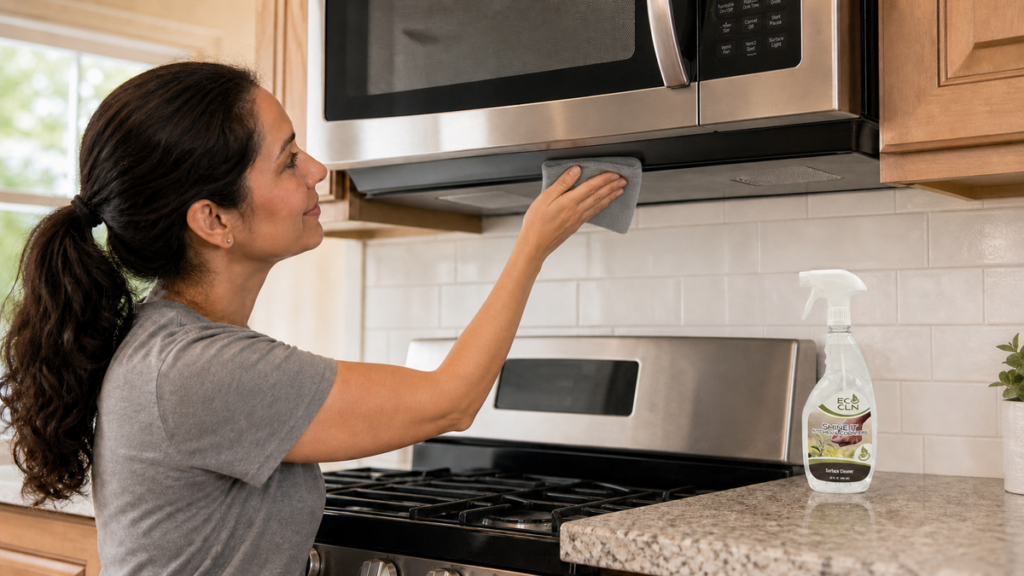
On a compatible washable stove exterior, Eco Cln Shine-It is the kitchen-focused option for grease spots, fingerprints and cooking residue. It is ready to use. Spray it lightly onto the cloth near appliance controls and follow both the current product directions and the range manual.
Shine-It is not a cleaner for the inside of a switch, ignition assembly or electronic display. If the manual requires mild soap only or a specialty product, follow the manual. For the adjacent cooking surface, the stovetop grease guide covers glass, enamel and stainless-steel differences separately.
Common Stove-Control Cleaning Mistakes
• Spraying cleaner directly across buttons, shafts and display seams.
• Cleaning while burners or the oven are hot.
• Pulling knobs off without checking the manual or recording their positions.
• Soaking knobs until liquid reaches their markings or stem cavities.
• Using oven cleaner, steel wool or abrasive powder on the panel.
• Scraping the dark ring around a knob with a knife or hard brush.
• Reusing one grease-loaded cloth over the entire control area.
• Restoring power or use before parts are completely dry and correctly installed.
When Cleaning Is Not the Fix

A label that is already faded, peeling or missing will not return through cleaning. A cracked knob, loose stem, flickering display, unresponsive touchpad or ignition problem is a repair issue. Stop exterior wet cleaning if liquid may have entered a control opening.
Grease inside an appliance housing, behind a fixed panel or around energized components belongs with qualified service—not a cotton swab and optimism. Note the model and affected control and follow the manufacturer support process.
Frequently Asked Questions
Can stove knobs go in the dishwasher?
Only when the exact range manual says so. Heat and detergent can damage plastic, graphics or inserts, and many manufacturers recommend gentle hand cleaning instead.
Should I pull every knob off before cleaning?
Only if the manual identifies it as removable and gives a method. Photograph the layout first and never force a knob or decorative ring.
How do I clean grease around a knob shaft?
With the appliance safely off and the knob removed as directed, wipe the accessible exterior around the shaft with a barely damp cloth. Do not push liquid or tools into the opening.
Can Shine-It be sprayed directly on a stove control panel?
Apply it to the cloth first near buttons, displays, seams and knob shafts. Use it only when the panel finish and range manual permit a compatible kitchen cleaner.
What if the printed markings start coming off?
Stop immediately, blot away moisture and do not scrub. The label or coating may already be compromised and may need a replacement part.
The bottom line
Cool and shut down the stove, check the manual, then clean knobs and panels as separate parts with very little moisture. Shine-It can fit compatible exterior grease when applied to a cloth. Faded labels, damaged switches and grease inside the housing need replacement or service, not harder scrubbing.